Teams group jobs and people into functional units within your organisation. This facilitates coordination and the management of large crews.
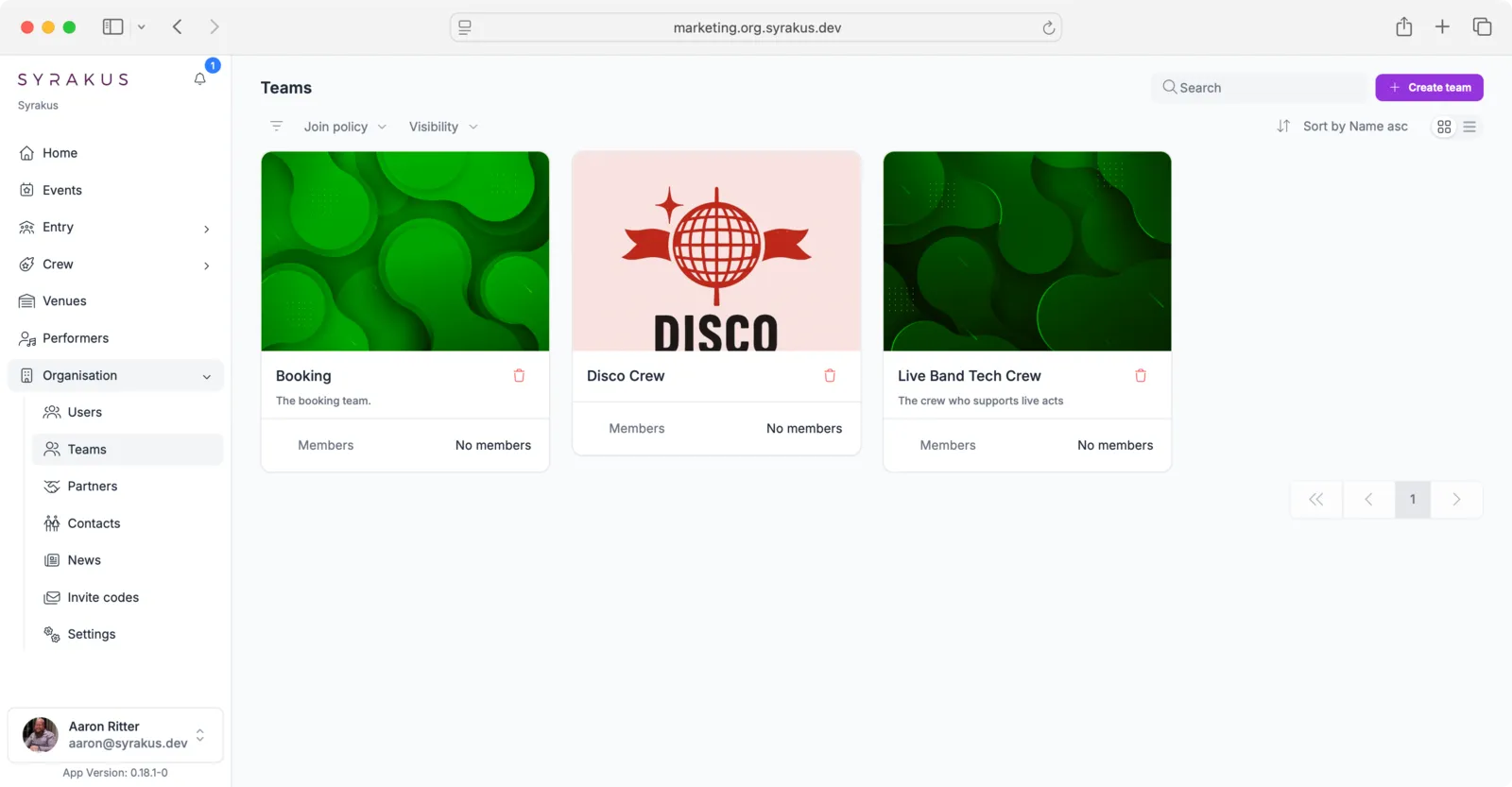
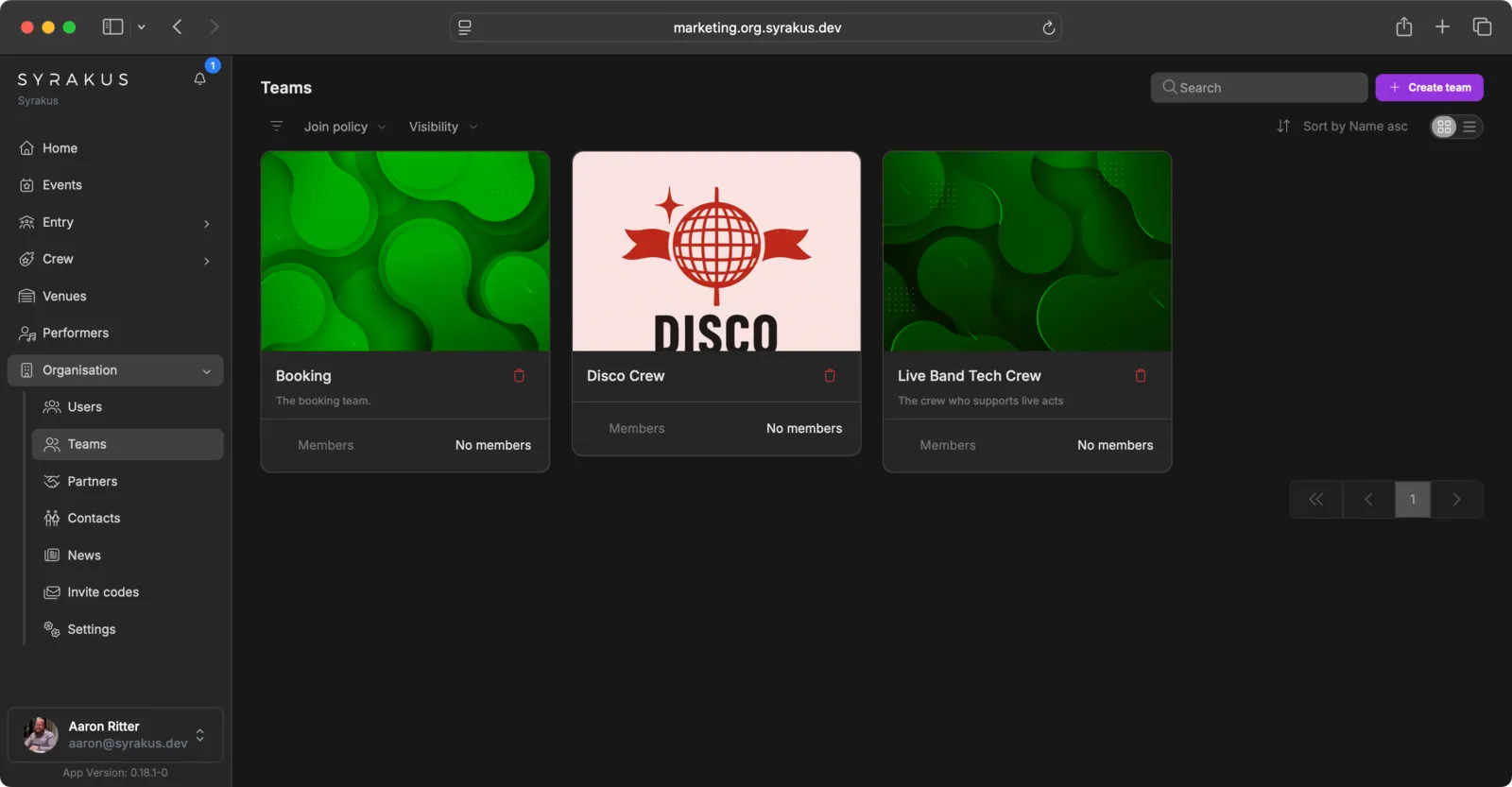
Defining Teams
- Access Teams: Navigate to “Teams” within your organisation.
- Create New Team: Click on “Add Team”.
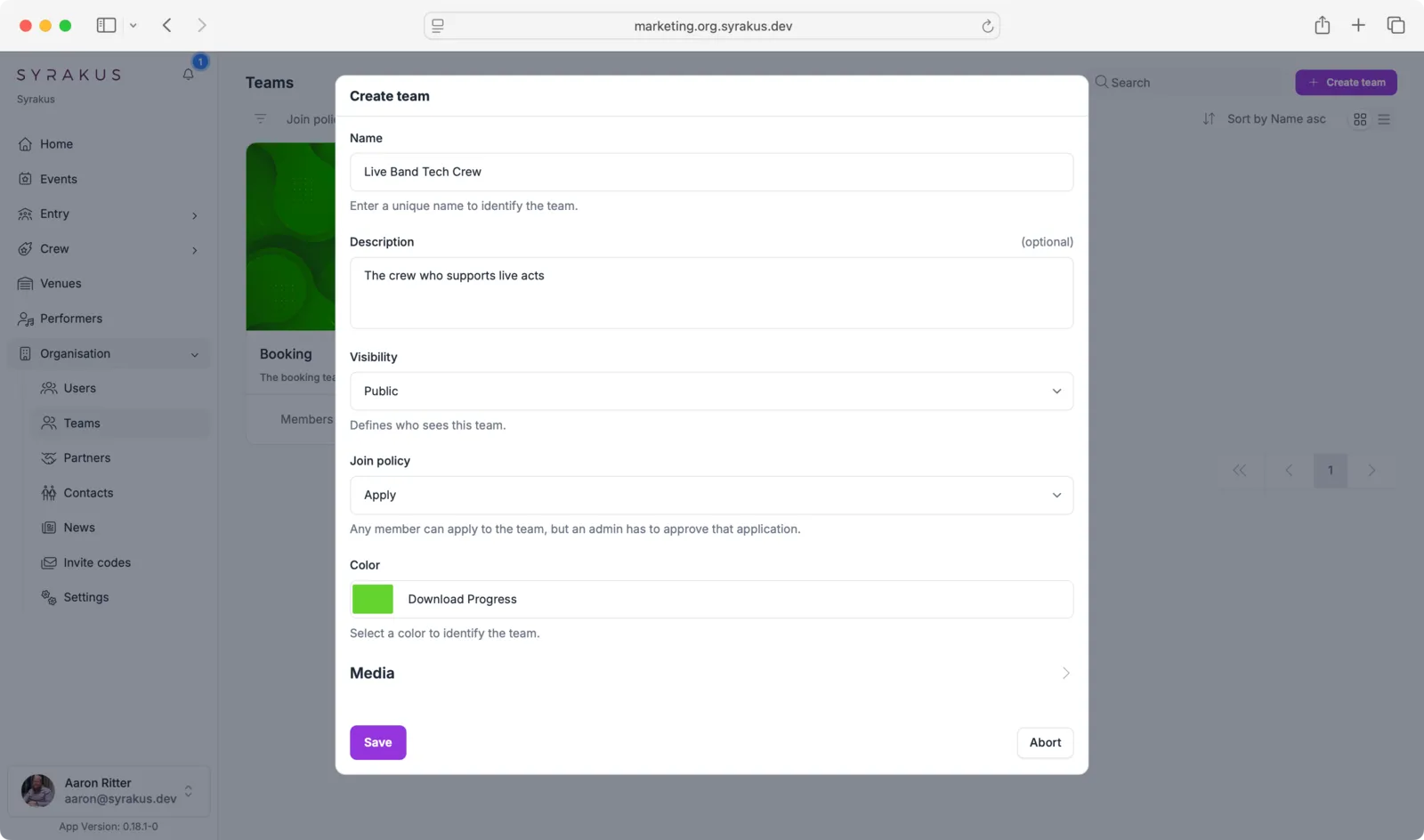
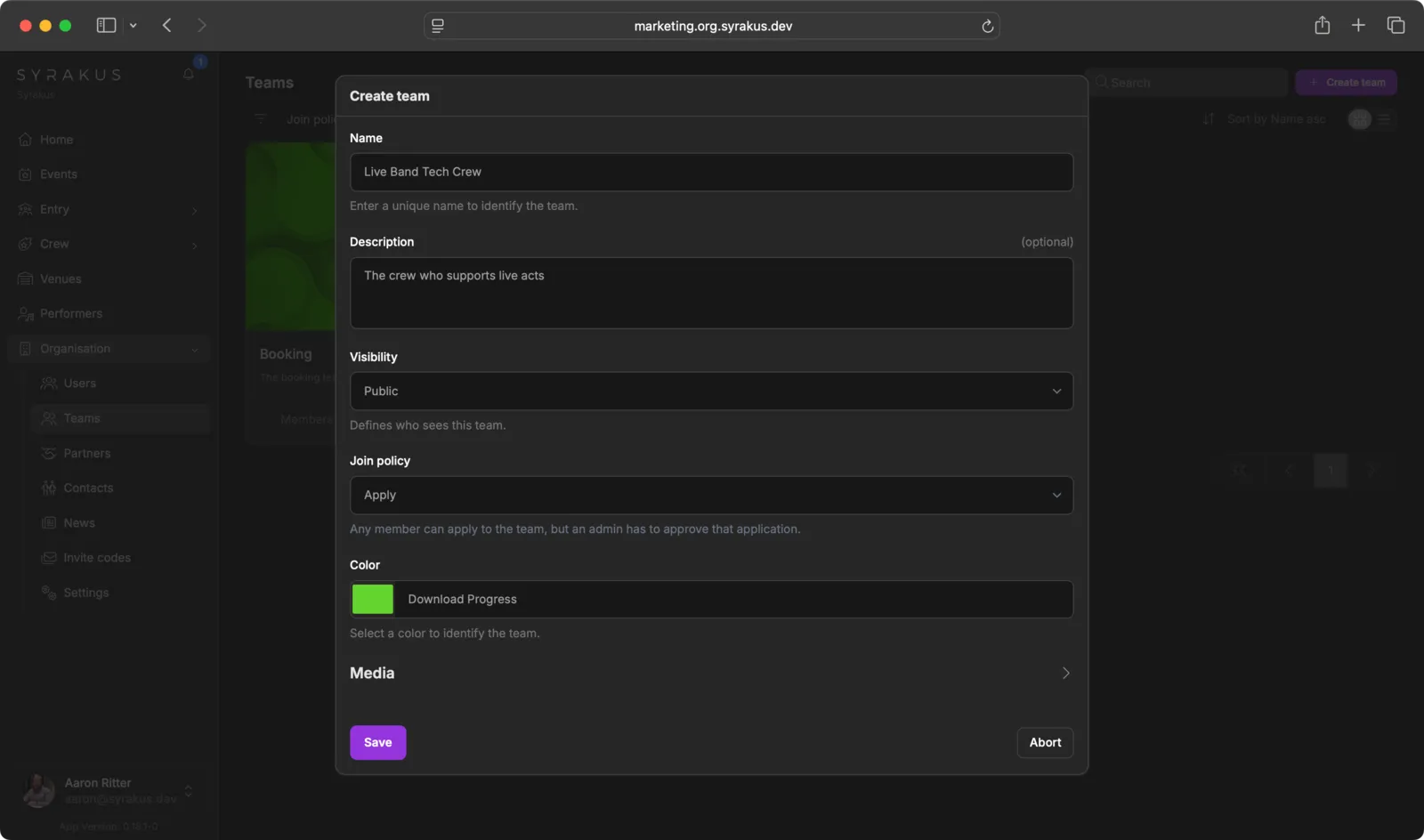
- Configure Team: Fill in the team details:
- Name: Enter a unique name (e.g., “Catering”, “Logistics”, “Stage Crew”)
- Description: Optionally add a description of the team’s purpose
- Visibility: Choose who can see this team (Public/Private)
- Join policy: Define how members can join (Apply/Open/Closed)
- Color: Select a color to visually identify the team
- Media: Optionally add team media
Teams help you distribute responsibilities clearly and structure communication within the various departments.